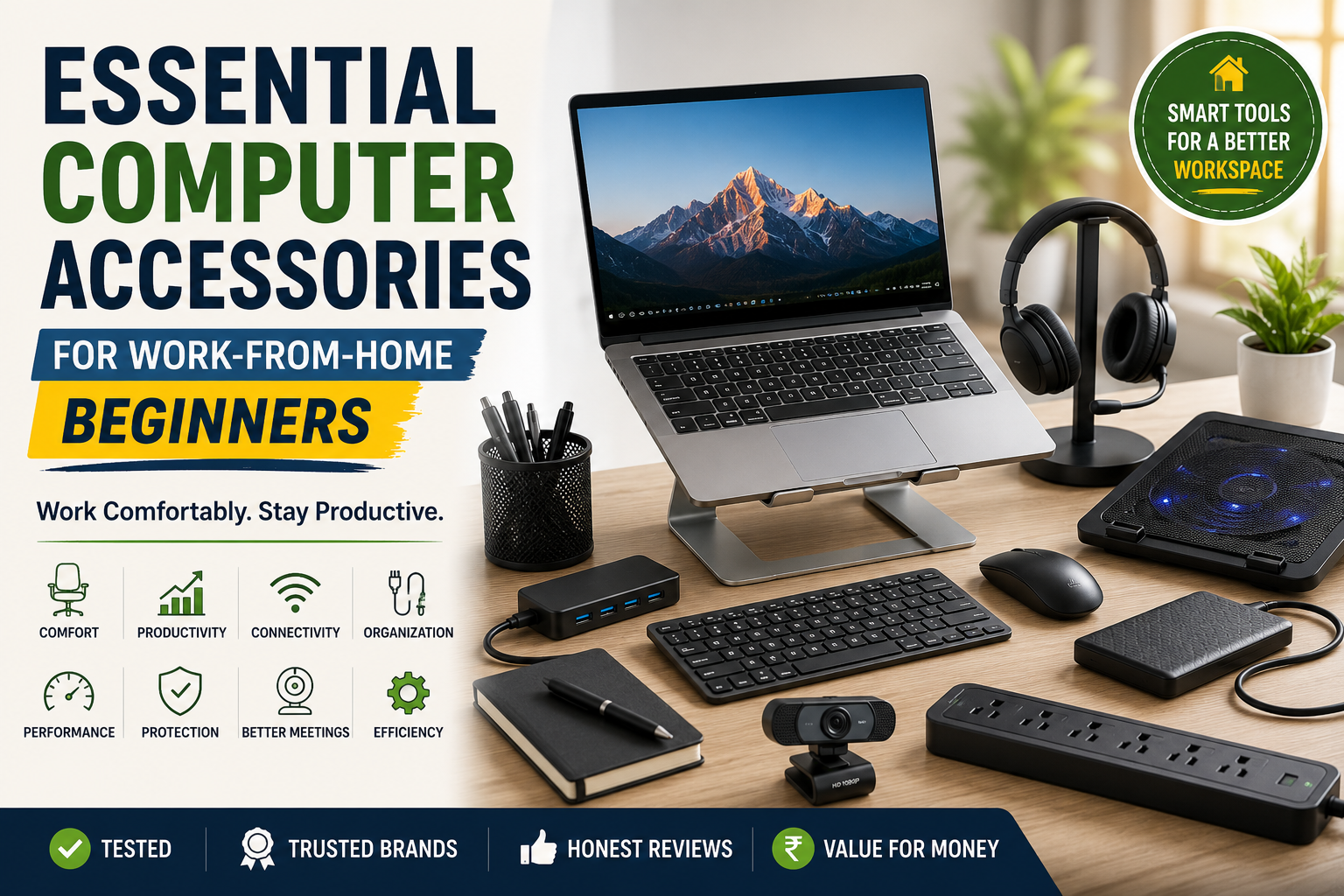
Working from home has become part of everyday life for many professionals, students, freelancers, and entrepreneurs. Whether you attend online meetings, write reports, edit photos, or manage a business, having the right computer accessories can make your work easier and more comfortable.
While your laptop or desktop is the heart of your workspace, the right accessories can improve your posture, increase productivity, and create a more organized desk.
The best part is that you don’t need to buy everything at once. Start with the essentials, then upgrade your setup as your needs grow.
In this guide, you’ll discover the most important computer accessories every work-from-home beginner should consider.
Affiliate Disclosure: This article may contain affiliate links. If you purchase through these links, Arunova.net may earn a commission at no additional cost to you. This helps us continue creating free, high-quality content.
Why Computer Accessories Matter
Many people think buying an expensive laptop is enough for a productive workspace. However, that’s not always true.
A few affordable accessories can make a much bigger difference than upgrading to a more expensive computer.
The right accessories help you:
-
Work comfortably for long hours
-
Improve your typing speed
-
Reduce neck and wrist strain
-
Join online meetings with confidence
-
Keep your workspace organized
-
Protect your computer and other devices
-
Increase overall productivity
Let’s explore the essential accessories one by one.
1. Wireless Mouse
A wireless mouse is one of the first accessories every laptop user should buy.
Although a laptop touchpad is useful for basic tasks, using it for several hours can become uncomfortable. A wireless mouse offers better control, faster navigation, and greater accuracy.
Benefits
-
Faster navigation
-
Better precision
-
Comfortable grip
-
Easier spreadsheet work
-
Improved photo editing
-
Increased productivity
What to Look For
Choose a mouse with:
-
Comfortable design
-
Silent buttons
-
Long battery life
-
Adjustable DPI settings
-
Reliable wireless connection
Best For
-
Students
-
Office workers
-
Bloggers
-
Freelancers
2. Laptop Stand
A laptop stand raises your screen to eye level, helping you maintain a healthier posture.
Without a stand, many people look downward while working, which can lead to neck and shoulder pain over time.
Benefits
-
Better posture
-
Reduced neck strain
-
Improved airflow
-
Lower laptop temperature
-
Cleaner workspace
Features to Look For
-
Strong aluminum or metal construction
-
Foldable design
-
Adjustable height
-
Anti-slip rubber pads
3. External Keyboard
If you use a laptop stand, an external keyboard quickly becomes an essential accessory.
It allows your hands to stay in a natural typing position, making long work sessions more comfortable.
Benefits
-
Comfortable typing
-
Faster writing
-
Better ergonomics
-
Reduced wrist strain
Types of Keyboards
-
Wired keyboard
-
Wireless keyboard
-
Mechanical keyboard
-
Membrane keyboard
For most beginners, a wireless membrane keyboard provides an excellent balance of comfort and affordability.
4. USB Hub
Modern laptops often have only a few USB ports. A USB hub solves this problem by adding extra ports for your accessories.
You can connect devices such as:
-
Wireless mouse
-
Keyboard
-
External SSD
-
USB flash drive
-
Webcam
-
Smartphone charger
Before buying, check whether your laptop requires a USB-A or USB-C hub.
5. External SSD
Running out of storage can slow down your workflow. An external SSD gives you fast, portable storage for backups and large files.
Benefits
-
Fast file transfers
-
Reliable backups
-
Lightweight design
-
Better performance than traditional external hard drives
Best For
-
Content creators
-
Bloggers
-
Students
-
Photographers
-
Video editors
6. Webcam
If you regularly attend online meetings, an external webcam can improve your video quality.
A clear video creates a more professional impression during meetings and online classes.
Ideal For
-
Zoom
-
Microsoft Teams
-
Google Meet
-
Online teaching
-
Video content creation
Recommended Features
-
Full HD (1080p) resolution
-
Autofocus
-
Built-in microphone
-
Privacy shutter
7. Headset
A quality headset improves both audio and microphone performance.
It also helps reduce background noise, making conversations clearer during online meetings.
Benefits
-
Clear sound quality
-
Better microphone performance
-
Improved privacy
-
Comfortable for long meetings
Features to Look For
-
Soft ear cushions
-
Adjustable microphone
-
USB or 3.5 mm connection
-
Noise cancellation (optional)
8. Laptop Cooling Pad
Heavy workloads can increase your laptop’s temperature. A cooling pad helps improve airflow and maintain better performance.
Best For
-
Video editing
-
Programming
-
Gaming
-
Long working hours
Look For
-
Quiet cooling fans
-
Adjustable angle
-
USB-powered operation
-
Large cooling surface
9. Wi-Fi Router or Wi-Fi Extender
A fast and stable internet connection is essential for working from home.
If your Wi-Fi signal is weak, consider these improvements:
-
Move your router to a better location.
-
Upgrade to a newer router.
-
Install a Wi-Fi extender if necessary.
A stronger Wi-Fi connection improves:
-
Video calls
-
File downloads
-
Cloud backups
-
Online collaboration
10. Surge Protector Extension Board
Your computer and accessories deserve proper electrical protection.
A quality surge protector helps safeguard your equipment against voltage fluctuations.
Use it for:
-
Laptop charger
-
Monitor
-
Router
-
Printer
-
Desk lamp
-
Phone charger
Choose one with:
-
Surge protection
-
Individual power switches
-
Long cable
-
Good build quality
11. Desk Lamp
Good lighting makes your workspace more comfortable and helps reduce eye strain.
An adjustable LED desk lamp is an excellent choice for daily work.
Recommended Features
-
Adjustable brightness
-
Flexible neck
-
Energy-efficient LED lighting
-
Flicker-free illumination
Natural white light is generally ideal for office work.
12. Cable Management Accessories
Messy cables make any workspace look untidy.
Simple cable management accessories keep everything organized.
Useful products include:
-
Cable clips
-
Cable sleeves
-
Velcro straps
-
Under-desk cable trays
-
Cable storage boxes
A clean desk not only looks professional but also makes cleaning and maintenance easier.
Which Accessories Should You Buy First?
If you’re building your home office on a budget, prioritize your purchases.
Must-Have
-
Wireless Mouse
-
Laptop Stand
-
External Keyboard
-
Surge Protector
Highly Recommended
-
Headset
-
USB Hub
-
Desk Lamp
Buy Later
-
Webcam
-
External SSD
-
Cooling Pad
-
Wi-Fi Extender
-
Cable Management Kit
Buying accessories in stages helps you improve your workspace without overspending.
Tips Before Buying Computer Accessories
Before placing your order, keep these tips in mind:
-
Buy only what you genuinely need.
-
Read verified customer reviews.
-
Compare warranty periods.
-
Choose trusted brands.
-
Check compatibility with your computer.
-
Avoid expensive gaming accessories unless they match your needs.
These simple steps can help you make smarter purchasing decisions.
Frequently Asked Questions
Which computer accessory should I buy first?
A wireless mouse is usually the best first upgrade because it immediately improves comfort and productivity.
Do I need a laptop stand?
Yes. If you work for several hours each day, a laptop stand improves posture and reduces neck strain.
Is an external keyboard necessary?
If you’re using a laptop stand, an external keyboard provides a much more comfortable typing position.
Is a USB hub worth buying?
Yes. It’s especially useful for modern laptops with limited USB ports.
Should I buy wired or wireless accessories?
Wireless accessories create a cleaner workspace, while wired accessories are generally less expensive and don’t require charging.
Final Thoughts
Creating a productive home office doesn’t require expensive equipment. Instead, focus on accessories that improve comfort, efficiency, and organization.
Start with the essentials, such as a wireless mouse, laptop stand, external keyboard, and surge protector. As your needs grow, gradually add accessories like an external SSD, webcam, Wi-Fi extender, or better lighting.
A well-planned workspace helps you work more comfortably, stay productive, and protect your equipment for years to come.