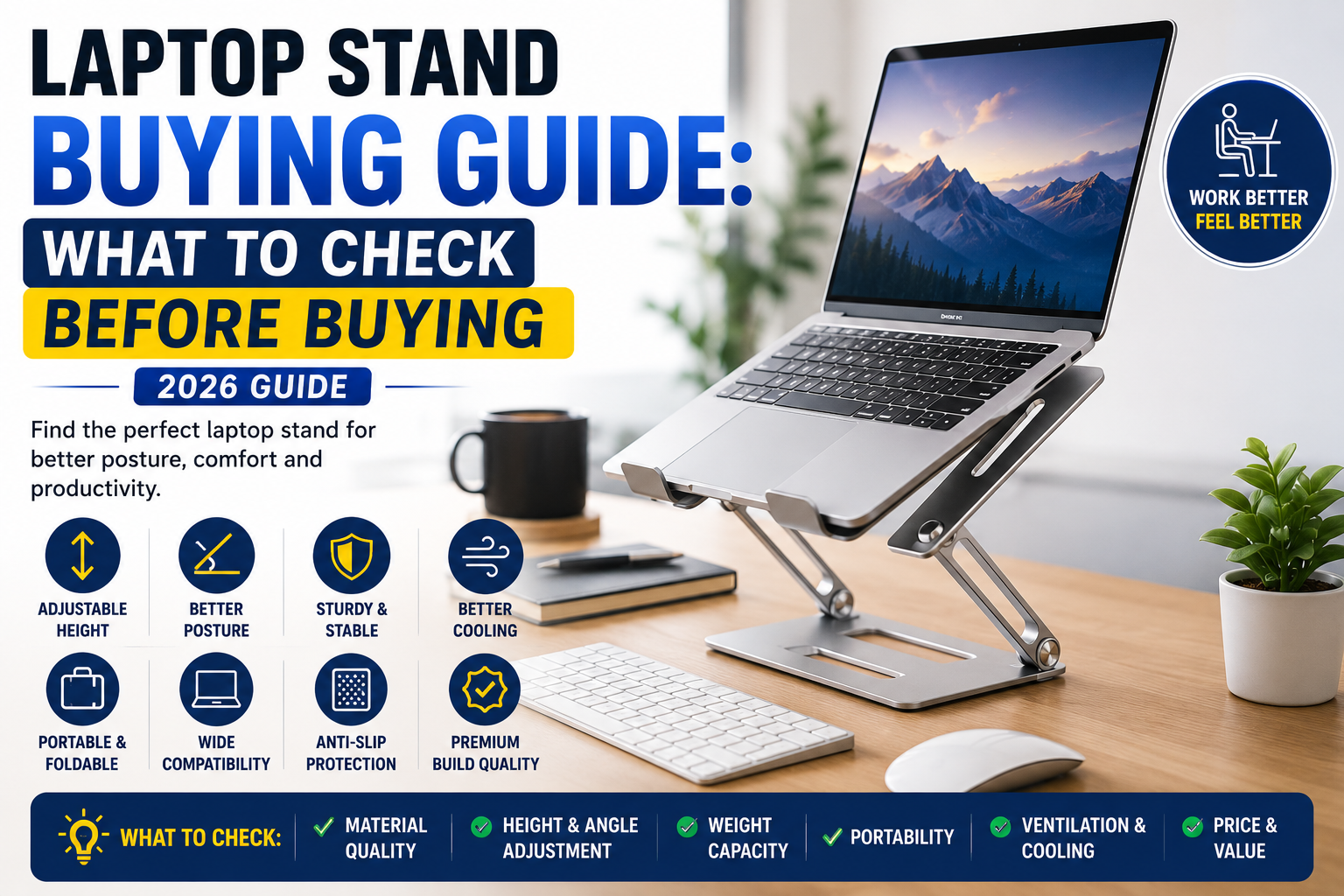
Planning to buy a laptop stand? Learn what to check before buying, including adjustability, material, compatibility, portability, ergonomics, and cooling for a smarter purchase.
Home Office Accessories
Laptop Stand Buying Guide
Introduction
If you spend several hours each day working on a laptop, a laptop stand is one of the smartest accessories you can buy. It improves posture, reduces neck strain, enhances airflow, and creates a more comfortable workspace.
However, not all laptop stands are built the same. Some are lightweight and portable, while others focus on stability and ergonomic adjustment. Choosing the wrong stand can lead to discomfort, poor viewing angles, or compatibility issues.
This buying guide explains the most important features to consider before purchasing a laptop stand, helping you make an informed decision.
Affiliate Disclosure: This article may contain affiliate links. If you purchase through these links, Arunova may earn a commission at no extra cost to you.
Why Use a Laptop Stand?
A laptop placed directly on a desk often forces you to look downward for long periods. Over time, this can contribute to neck, shoulder, and back discomfort.
A laptop stand raises the screen closer to eye level, creating a more natural posture.
Benefits
-
-
Better airflow around the laptop
-
-
More comfortable online meetings
The first thing to check is whether the stand supports your laptop’s size and weight.
Most laptop stands support:
Always verify the manufacturer’s compatibility list before buying.
2. Adjustable Height
Height adjustment is one of the most important features.
A fixed-height stand may work well for one user but not for another.
Look for a stand that allows you to:
This flexibility helps you maintain a comfortable posture throughout the day.
3. Adjustable Viewing Angle
Tilting the laptop slightly improves both visibility and typing comfort.
Benefits include:
A stand with multiple angle settings is usually a better long-term investment.
4. Material Quality
Laptop stands are commonly made from:
Aluminum
Advantages
-
-
Excellent heat dissipation
Best for:
Plastic
Advantages
Best for:
Steel
Advantages
Best for:
5. Stability
A stable stand protects your laptop and improves your typing experience.
Look for:
A wobbly stand can become frustrating, especially when typing quickly.
6. Cooling and Airflow
Laptops generate heat during extended use.
A good stand improves ventilation by lifting the laptop off the desk and allowing air to circulate underneath.
Choose a design with:
-
-
Minimal contact with the laptop base
Better airflow can help maintain performance during long work sessions.
7. Portability
If you frequently travel or work from different locations, portability matters.
A portable laptop stand should be:
Compact designs are ideal for remote workers and students.
8. Weight Capacity
Every laptop stand has a maximum load capacity.
Before purchasing, ensure it can safely support your laptop’s weight.
Heavier gaming laptops may require a stronger stand than lightweight ultrabooks.
9. Anti-Slip Protection
Silicone or rubber pads prevent your laptop from sliding.
Look for:
These features improve safety and help keep the stand securely in place.
10. Build Quality
Pay attention to:
-
-
Quality screws and joints
A well-built stand will remain stable after months or years of regular use.
11. Desk Space
Some laptop stands have a compact footprint, while others take up more room.
If your desk is small, choose a stand with:
Many elevated stands also create useful storage space underneath for a keyboard or notebook.
12. External Keyboard and Mouse
For the best ergonomic setup, use a laptop stand together with:
This allows your laptop screen to remain at eye level while your hands stay in a natural typing position.
Common Mistakes to Avoid
Buying Only Based on Price
The cheapest stand isn’t always the best value. Prioritize durability, stability, and comfort.
Ignoring Laptop Size
A stand designed for smaller laptops may not safely support larger models.
Choosing a Fixed-Height Stand
If multiple people use the laptop, or if you change seating positions, an adjustable stand offers greater flexibility.
Overlooking Build Quality
Weak hinges and poor construction can reduce stability and shorten the product’s lifespan.
Forgetting Portability
If you travel often, a bulky desktop stand may not be practical.
Which Laptop Stand Is Right for You?
Students
Choose:
Office Professionals
Choose:
Remote Workers
Choose:
Content Creators
Choose:
Frequently Asked Questions
Is a laptop stand worth buying?
Yes. A laptop stand improves posture, reduces neck strain, and creates a more comfortable workspace.
Do laptop stands help with cooling?
Yes. By lifting the laptop and improving airflow underneath, many stands help reduce heat buildup.
Can I type directly on a laptop placed on a stand?
You can, but for extended work sessions, an external keyboard and mouse provide a more ergonomic setup.
Which material is best?
Aluminum is generally preferred because it combines durability, stability, and excellent heat dissipation.
Are foldable laptop stands durable?
Many foldable models are highly durable, especially those made from quality aluminum with strong hinges.
Final Thoughts
A laptop stand is a simple accessory that can make a significant difference to your daily comfort and productivity. The best choice isn’t necessarily the most expensive—it’s the one that fits your laptop, workspace, and working style.
Before buying, focus on compatibility, adjustability, stability, material quality, and portability. Combined with an external keyboard and wireless mouse, a quality laptop stand can transform your laptop into a far more comfortable workstation.
Investing in the right stand today can improve both your posture and your productivity for years to come.
Related Articles
-
-
How to Set Up a Budget Home Office in India
-
-
Essential Computer Accessories for Work-from-Home Beginners
-
-
USB Hub Buying Guide: What to Check Before Buying
-
-
Best Laptop Stands Under ₹1,500 in India