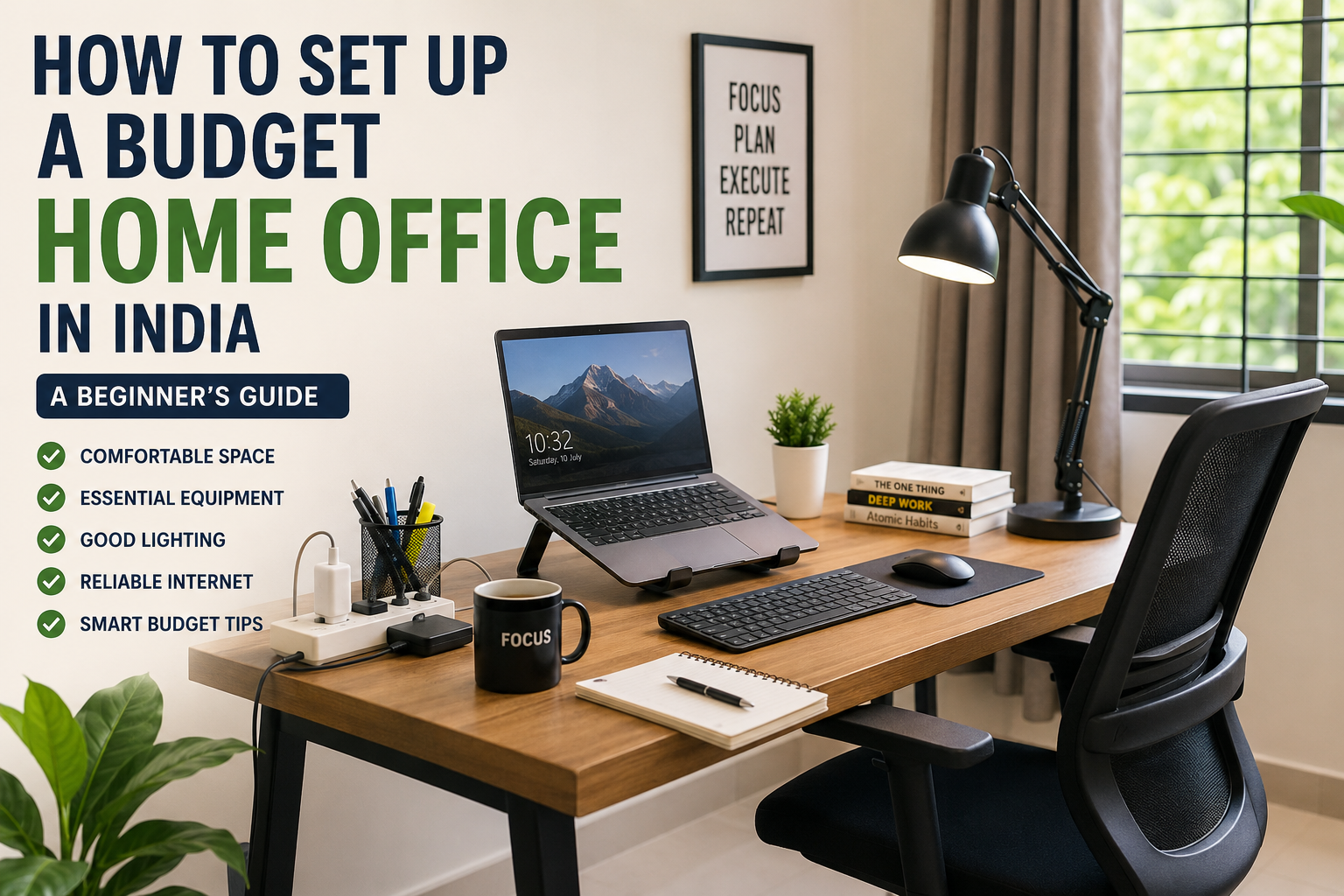
Working or studying from home becomes much easier when you have a comfortable and organised workspace. However, creating a home office does not mean that you must spend a large amount of money on premium furniture, expensive computers or decorative accessories.
A practical home office can be created even in a small room and with a limited budget. The key is to spend first on products that improve comfort, productivity and safety.
This guide explains how to set up an affordable home office in India, what equipment you actually need and which purchases can wait until later.
Affiliate disclosure: This article may contain affiliate links. If you purchase through these links, Arunova may earn a commission at no additional cost to you.
Why You Need a Dedicated Home Workspace
Many people begin working from home by placing their laptop on a bed, dining table or sofa. This may be convenient for a short period, but it can become uncomfortable and distracting when used regularly.
A dedicated workspace can help you:
- Maintain a better sitting posture
- Reduce distractions
- Organise cables and accessories
- Attend meetings more professionally
- Separate work time from personal time
- Improve concentration and productivity
- Protect your laptop and other equipment
Your workspace does not need to occupy an entire room. A quiet corner with a suitable table, chair, lighting and internet connection can be enough.
Best Option to Buy Today – Buy Now
Step 1: Decide Your Total Budget
Before buying anything, decide how much you can comfortably spend.
A simple beginner home-office budget can be divided into three levels.
Basic Setup: ₹5,000 to ₹10,000
Suitable for students, beginners and occasional work-from-home users.
This may include:
- Basic table or laptop table
- Affordable chair
- Laptop stand
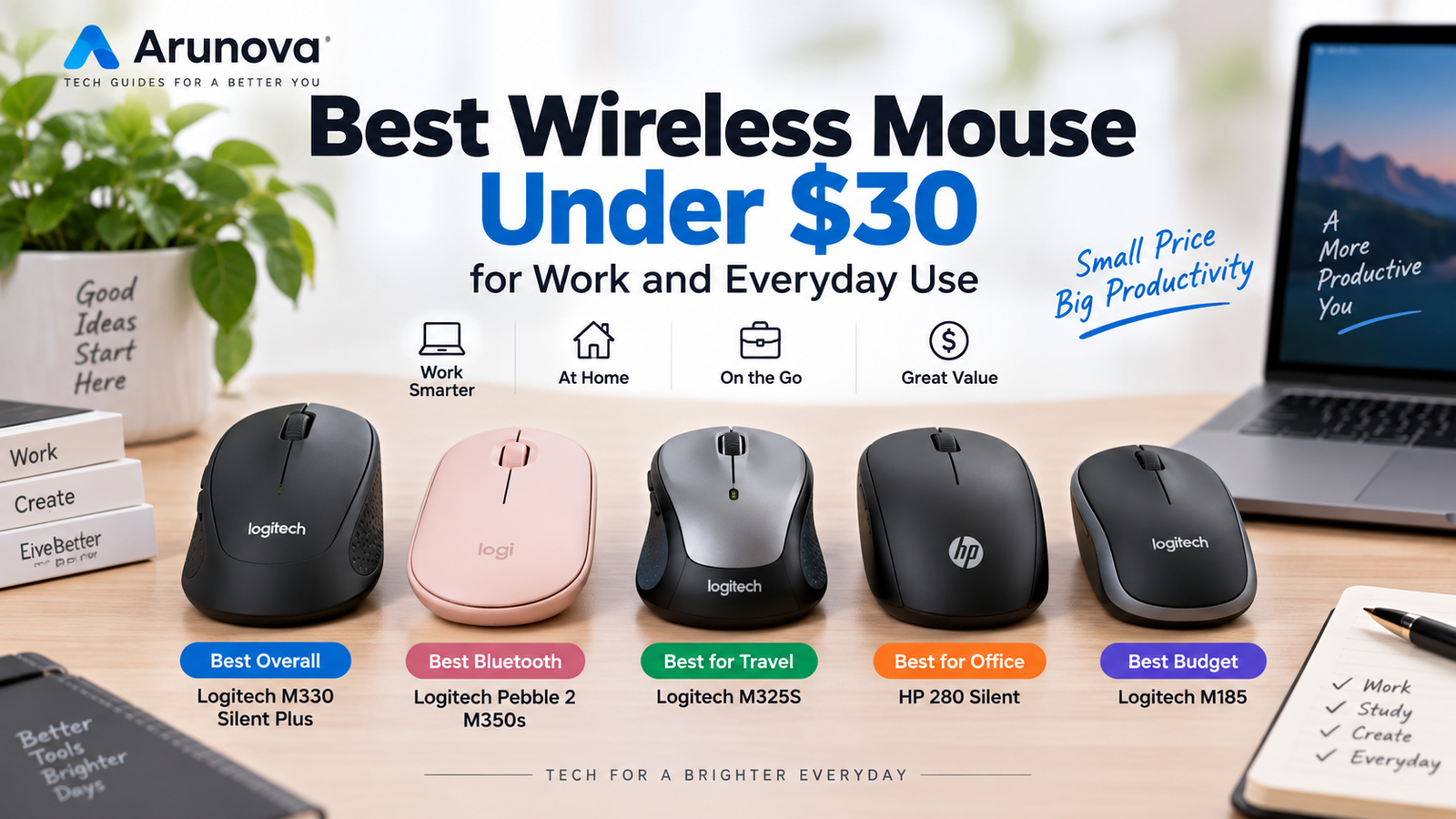
- Wireless mouse
- Desk lamp
- Extension board
Comfortable Setup: ₹10,000 to ₹25,000
Suitable for regular office work, freelancing and online teaching.
This may include:
- Full-size work desk
- Better office chair
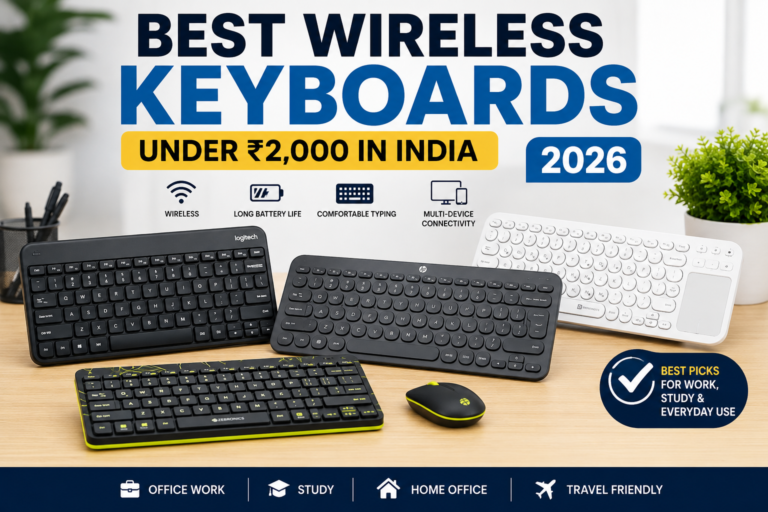
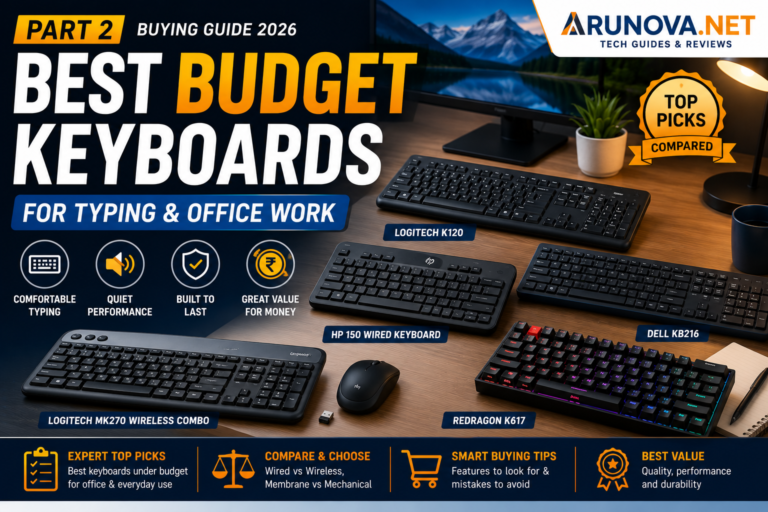
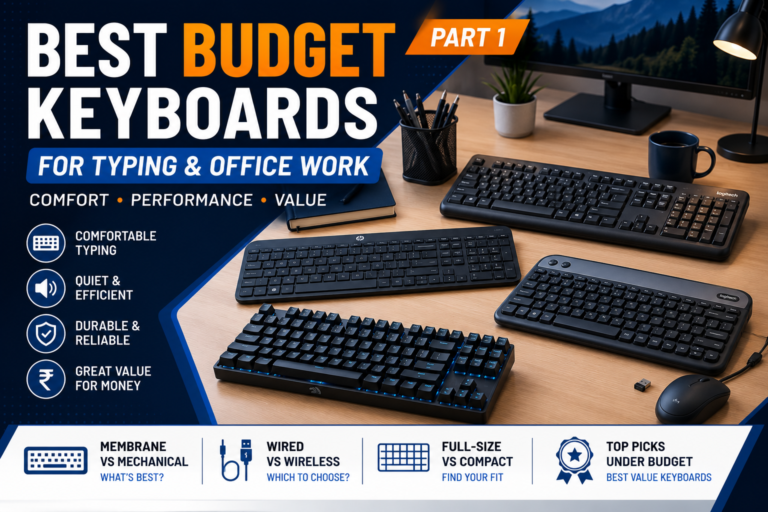
- External keyboard and mouse
- Laptop stand
- Desk lamp
- Headset
- USB hub
- Cable-management accessories
Advanced Setup: Above ₹25,000
Suitable for full-time remote professionals, creators and business owners.
This may include:
- Ergonomic office chair
- Larger desk
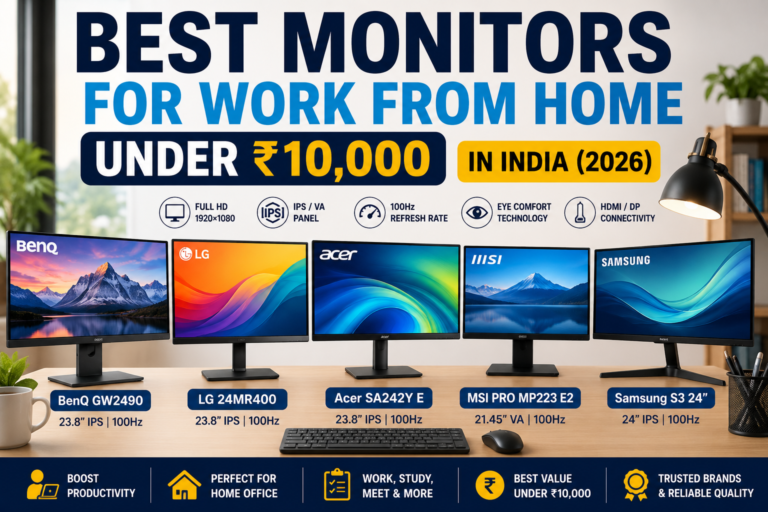
- External monitor
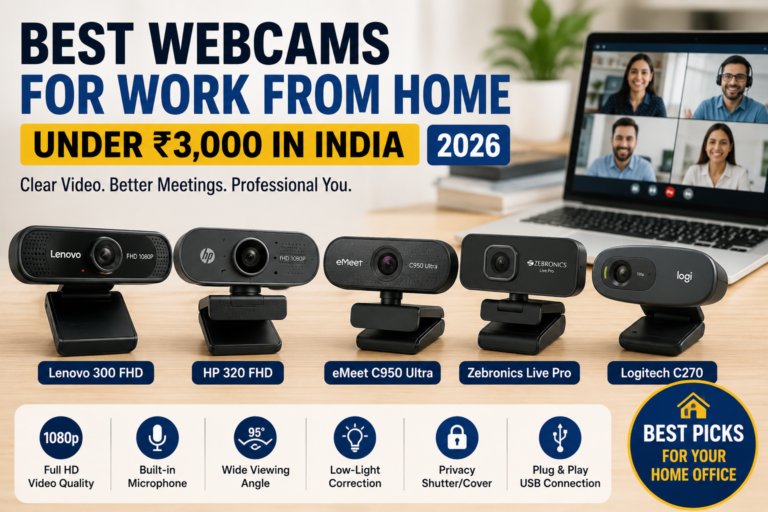
- Webcam and microphone
- UPS or power backup
- Premium keyboard and mouse
- Monitor arm
- Improved lighting
You do not need to purchase everything immediately. Begin with the essentials and improve the setup gradually.
Step 2: Select the Right Location
The location of your workspace can affect your concentration and comfort.
Choose an area that is:
- Relatively quiet
- Well ventilated
- Close to a power socket
- Within good Wi-Fi range
- Protected from direct heat and rain
- Away from frequent household movement
- Large enough for a table and chair
If possible, place the desk near a window for natural light. However, avoid positioning the laptop screen directly opposite a bright window because reflections may make the screen difficult to see.
In a small home, you can use:
- A bedroom corner
- A section of the living room
- Space below a staircase
- A balcony corner protected from heat and rain
- A wall-mounted folding desk
- A compact laptop table
The goal is to create a consistent place where your mind recognises that it is time to work or study.
Step 3: Choose a Suitable Desk
A stable desk is one of the most important parts of a home-office setup.
The desk should have enough space for:
- Laptop or monitor
- Keyboard and mouse
- Notebook
- Mobile phone
- Water bottle
- Frequently used accessories
Full-Size Work Desk
A full-size desk is suitable when you have enough space and work for several hours daily.
Look for:
- Strong construction
- Comfortable height
- Smooth edges
- Sufficient legroom
- Space for cable management
- Easy-to-clean surface
Laptop Table
A laptop table is a more affordable and portable option.
It is useful for:
- Students
- Occasional work
- Small rooms
- Temporary setups
However, many small laptop tables do not provide enough room for an external keyboard, mouse and documents. Choose a larger model when possible.
Existing Table
You may not need to buy a new desk immediately. A study table or dining table can work if its height is comfortable and it is available during working hours.
Avoid using very low tables for long periods, as they may encourage you to bend forward.
Step 4: Invest in a Comfortable Chair
The chair is often more important than decorative accessories.
A suitable chair should:
- Support your lower back
- Allow your feet to rest on the floor
- Keep your knees at a comfortable angle
- Allow your shoulders to remain relaxed
- Provide enough seat depth
- Feel stable during movement
Can You Use a Normal Chair?
Yes. You can begin with a normal dining or plastic chair if your budget is limited.
Improve it by adding:
- A firm seat cushion
- A small cushion for lower-back support
- A footrest if your feet do not reach the floor
- A folded towel for additional back support
Upgrade to an office chair later when you begin spending several hours at the desk every day.
What to Check Before Buying an Office Chair
Consider:
- Seat height adjustment
- Back support
- Armrests
- Seat width
- Maximum weight capacity
- Wheel quality
- Warranty
- Availability of replacement parts
Do not choose a chair only because it looks stylish. Comfort and support are more important.
Step 5: Position Your Laptop at the Correct Height
Placing a laptop flat on the table often makes the user look downward for long periods.
A laptop stand raises the screen and can make the workspace more comfortable.
The top portion of the screen should generally be close to your natural eye level. You should be able to look at the screen without bending your neck excessively.
Laptop Stand Options
You can choose:
- Fixed aluminium stand
- Foldable portable stand
- Height-adjustable stand
- Stand with cooling ventilation
- Laptop riser with storage space
A simple stand is enough for most office users.
When raising your laptop, you may also need an external keyboard and mouse because typing directly on an elevated laptop can be uncomfortable.
Low-Cost Temporary Solution
A stable stack of large books can temporarily raise the laptop. Ensure that the laptop remains secure and that its ventilation openings are not blocked.
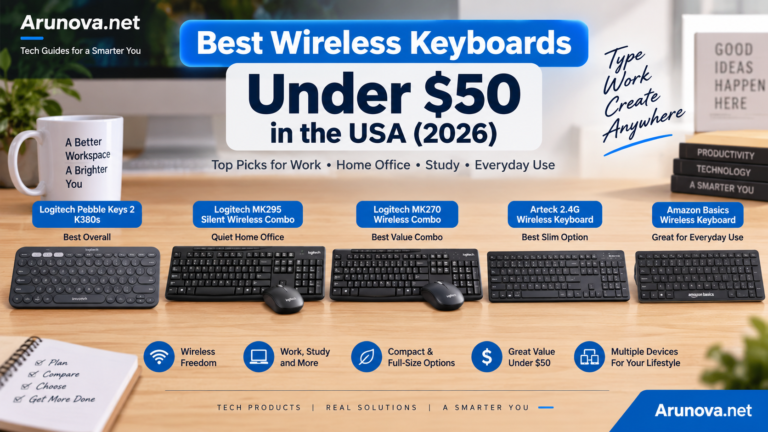
Step 6: Add a Keyboard and Mouse
An external keyboard and mouse can make a major difference when working for several hours.
Wired Accessories
Advantages:
- Usually affordable
- No battery replacement
- Reliable connection
- Suitable for permanent desks
Limitations:
- Additional cables
- Less convenient for travel
- Can create desk clutter
Wireless Accessories
Advantages:
- Cleaner desk
- Easier to carry
- Flexible placement
- Convenient for laptop users
Limitations:
- Requires batteries or charging
- USB receiver can be lost
- Bluetooth compatibility may vary
For a budget setup, a basic wireless mouse and wired keyboard can provide a good balance.
Look for:
- Comfortable size
- Quiet clicking
- Reliable connectivity
- Adequate battery life
- Compatibility with your laptop
- Warranty support
Gamers may need higher-performance accessories, but standard office users usually do not need expensive gaming models.
Step 7: Improve Your Lighting
Good lighting helps you read documents, attend video meetings and work comfortably in the evening.
Natural Light
Natural light is useful during the daytime, but avoid glare on the screen.
Position your table so that the window is beside you rather than directly behind or in front of the monitor.
Desk Lamp
A desk lamp is useful for:
- Evening work
- Reading documents
- Writing notes
- Reducing harsh room lighting
Choose a lamp with:
- Adjustable direction
- Stable base
- Comfortable brightness
- Low heat production
- Multiple brightness levels, when available
A simple LED desk lamp is usually sufficient.
Video Meeting Lighting
For video calls, place the main light in front of your face.
A window, desk lamp or basic ring light can provide better results than an expensive camera used in a dark room.
Step 8: Arrange a Reliable Internet Connection
A stable internet connection is essential for online meetings, cloud work, video classes and file transfers.
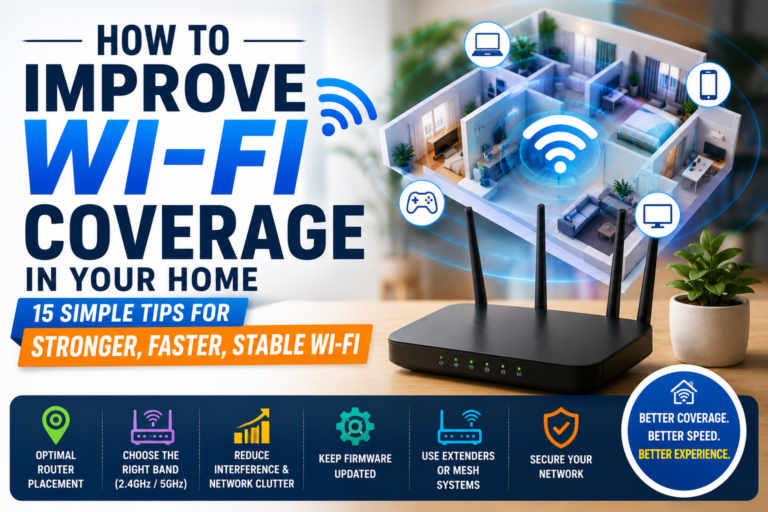
Start by checking whether your existing Wi-Fi signal is strong at your desk.
If the signal is weak, try the following:
- Move the router to a more central and open location.
- Avoid placing it inside a cupboard.
- Keep it away from thick walls and large metal objects.
- Position it at a reasonable height.
- Restart and update it when necessary.
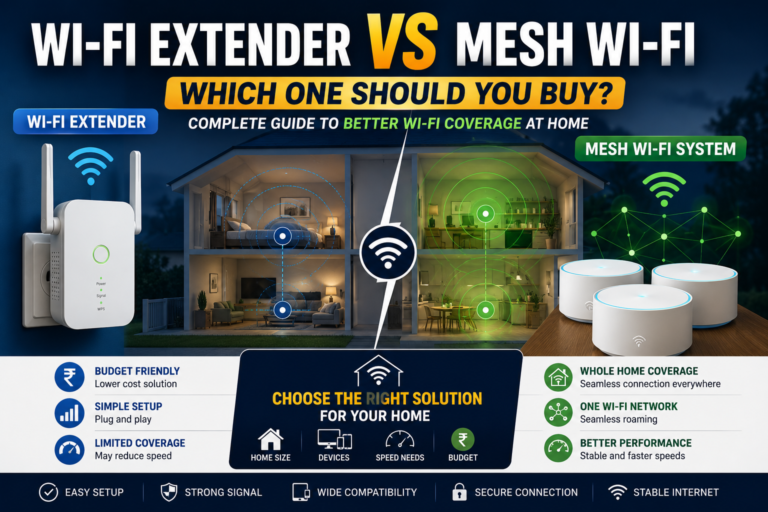
- Use a Wi-Fi extender or mesh system only when required.
- Use an Ethernet cable for important work where possible.
Do not immediately buy a new router before identifying the actual problem. Weak internet may be caused by the broadband connection, router location, interference or distance.
For video meetings, a stable connection is usually more important than a very high advertised speed.
Step 9: Use a Safe Power Setup
A home office may require several devices:
- Laptop charger
- Monitor
- Router
- Mobile charger
- Desk lamp
- Speakers
- Printer
Avoid connecting too many devices to a poor-quality extension board.
Choose a power strip with:
- Adequate socket spacing
- Suitable cable length
- Strong plug and cable
- Overload protection
- Individual switches, when useful
- Surge protection from a reliable manufacturer
Keep power cables away from water and walking areas.
In places with frequent power interruptions, consider a UPS for your router, desktop computer or essential equipment.
Laptop users may continue working on battery during an outage, but the router may switch off unless it has backup power.
Step 10: Manage Your Cables
Loose cables can make a small workspace look untidy and may create a safety risk.
Useful cable-management products include:
- Reusable cable ties
- Adhesive cable clips
- Cable sleeves
- Under-desk cable trays
- Charger holders
- Label tags
Before buying organisers, disconnect unused cables and remove unnecessary devices from the desk.
A simple, clean setup is easier to maintain than a desk filled with accessories.
Step 11: Add a Headset for Calls and Meetings
A headset can improve communication during online meetings, especially in a shared household.
You do not need an expensive model for regular office calls.
Check for:
- Clear microphone
- Comfortable ear cushions
- Adjustable headband
- Wired or wireless connection
- Compatible connector
- Mute control
- Background-noise handling
A wired headset is usually affordable and reliable. Wireless models offer more freedom but require charging.
Before purchasing, confirm whether your laptop uses:
- A combined 3.5 mm audio jack
- Separate microphone and headphone ports
- USB-A
- USB-C
- Bluetooth
Step 12: Consider an External Monitor Later
An external monitor is useful but may not be necessary at the beginning.
It can help people who:
- Work with spreadsheets
- Edit documents side by side
- Conduct research
- Code
- Edit videos
- Attend meetings while taking notes
- Use multiple applications together
Before buying a monitor, check:
- Screen size
- Resolution
- Available ports
- Laptop compatibility
- Height adjustment
- Warranty
- Space on the desk
A monitor should be treated as a later upgrade unless your work clearly requires a larger screen.
Step 13: Keep the Workspace Organised
You do not need expensive organisers.
Use simple solutions such as:
- A cup for pens
- A tray for documents
- A small box for chargers
- A drawer for accessories
- A notebook for daily tasks
- Wall hooks for headphones
- A labelled folder system
Keep only frequently used items on the desk.
At the end of the day:
- Close unnecessary applications.
- Return accessories to their places.
- Remove cups and waste.
- Write down the next day’s priority.
- Keep the desk ready for the next session.
A clean desk can make it easier to begin work the following morning.
Essential Home Office Products: Priority List
When your budget is limited, purchase items in this order.
First Priority
- Stable desk or table
- Comfortable chair
- Safe power extension
- Reliable internet connection
- Adequate lighting
Second Priority
- Laptop stand
- External mouse
- External keyboard
- Headset
- Cable-management accessories
Third Priority
- External monitor
- Webcam
- Ring light
- UPS
- Premium ergonomic accessories
This priority system prevents you from spending money on unnecessary products before improving the basic workspace.
Sample Budget Home Office Setup
Here is an example of a practical beginner setup.
| Item | Approximate Budget Range |
|---|---|
| Basic desk or laptop table | ₹1,500–₹4,000 |
| Chair or chair-support accessories | ₹1,000–₹5,000 |
| Laptop stand | ₹500–₹1,500 |
| Mouse | ₹400–₹1,200 |
| Keyboard | ₹500–₹1,500 |
| Desk lamp | ₹500–₹1,500 |
| Extension board | ₹500–₹1,500 |
| Cable organisers | ₹200–₹600 |
| Basic headset | ₹700–₹2,000 |
These are general planning ranges, not fixed prices. Product prices and availability can change. Check current listings before purchasing.
You may already own some of these items, which can significantly reduce the total cost.
Common Home Office Setup Mistakes
Buying Everything at Once
Your needs become clearer only after you begin using the workspace. Start with the essentials and upgrade gradually.
Choosing Appearance Over Comfort
A stylish chair or desk is not useful if it causes discomfort or lacks sufficient working space.
Ignoring Laptop Height
Looking downward at a laptop screen for long periods may make the setup uncomfortable. Raise the screen and use an external keyboard when needed.
Using Poor-Quality Extension Boards
Electrical safety should not be compromised to save a small amount of money.
Adding Too Many Accessories
A cluttered desk can reduce usable space. Buy an accessory only when it solves a real problem.
Ignoring Internet Reliability
A costly desk setup cannot compensate for an unstable internet connection during important meetings.
Copying Another Person’s Setup
A video editor, student, teacher and customer-support employee have different requirements. Build your workspace around your own work.
Frequently Asked Questions
How much does a basic home office setup cost in India?
A basic setup may cost approximately ₹5,000 to ₹10,000 when you already own a laptop and internet connection. The total depends on your furniture, accessories and existing equipment.
Do I need an ergonomic office chair immediately?
Not necessarily. You can begin with a stable chair and add back support or a seat cushion. Consider upgrading when you work at the desk for several hours every day.
Is a laptop stand necessary?
It is useful when you use a laptop for extended periods because it raises the screen. However, you may need an external keyboard and mouse for a more comfortable arrangement.
Should I buy wired or wireless accessories?
Wired accessories are affordable and reliable. Wireless accessories reduce cable clutter and are easier to move. Choose based on your budget and desk arrangement.
Do I need a monitor for working from home?
A monitor is helpful for multitasking, spreadsheets, coding and creative work, but it is not essential for every beginner.
What is the most important item in a home office?
A stable work surface and comfortable sitting arrangement are the most important foundations. Good lighting, reliable internet and electrical safety are also essential.
Can I set up a home office in a small room?
Yes. Use a compact table, folding desk, wall-mounted desk or a dedicated corner. Organisation is more important than room size.
Final Thoughts
A productive home office is not created by buying the most expensive products. It is created by choosing a suitable location, arranging the correct working height, improving comfort and purchasing only the equipment that supports your daily tasks.
Begin with a stable table, comfortable chair, safe power connection, reliable internet and proper lighting. Add a laptop stand, keyboard, mouse, headset and other accessories only when you need them.
A simple and thoughtfully arranged workspace can be more useful than an expensive setup filled with unnecessary equipment.
The best home office is one that helps you work comfortably, stay organised and remain productive within your available space and budget.